
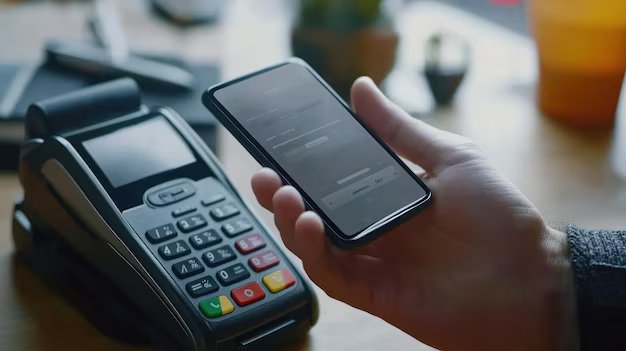
The course provides a simple guide on how to use an EDC (Electronic Data Capture) machine to charge a guest’s credit or debit card. It covers the following steps:
1. Check the Card's Connection: Ensure the card has a working network connection.
2. Swipe or Insert the Card: Use the chip reader for more secure transactions, or swipe if the card doesn’t have a chip.
3. Enter the Charge Amount: Punch in the desired amount and confirm it by pressing "Enter."
4. Receipt Printing: The machine will print two copies of the receipt—and collect the guest's signature on the merchant copy.
5. Batch Closing: Perform a batch close at the end of each shift to ensure timely payment processing.
The course also mentions that some machines offer prompts to guide you through the process, and batch closing ensures that payments are processed correctly.
- Teacher: Admin User
